


We’re a Kit newsletter affiliate, which means we may earn a small commission if you sign up through our link, at no cost to you. We only partner with brands we believe in, and we use Kit every week. Kit.
The first time I tried to set up an automation in Mailchimp, I about cried.
I’d like to say I’m exaggerating, but I’m not. I was trying to do something that should have been simple, which was to welcome a new subscriber. I ended up lost in a circle of never-ending how-tos, no simple answers, and wondering if I was the problem.
Now I look forward to sending newsletters, and that’s most of why I’m writing this.
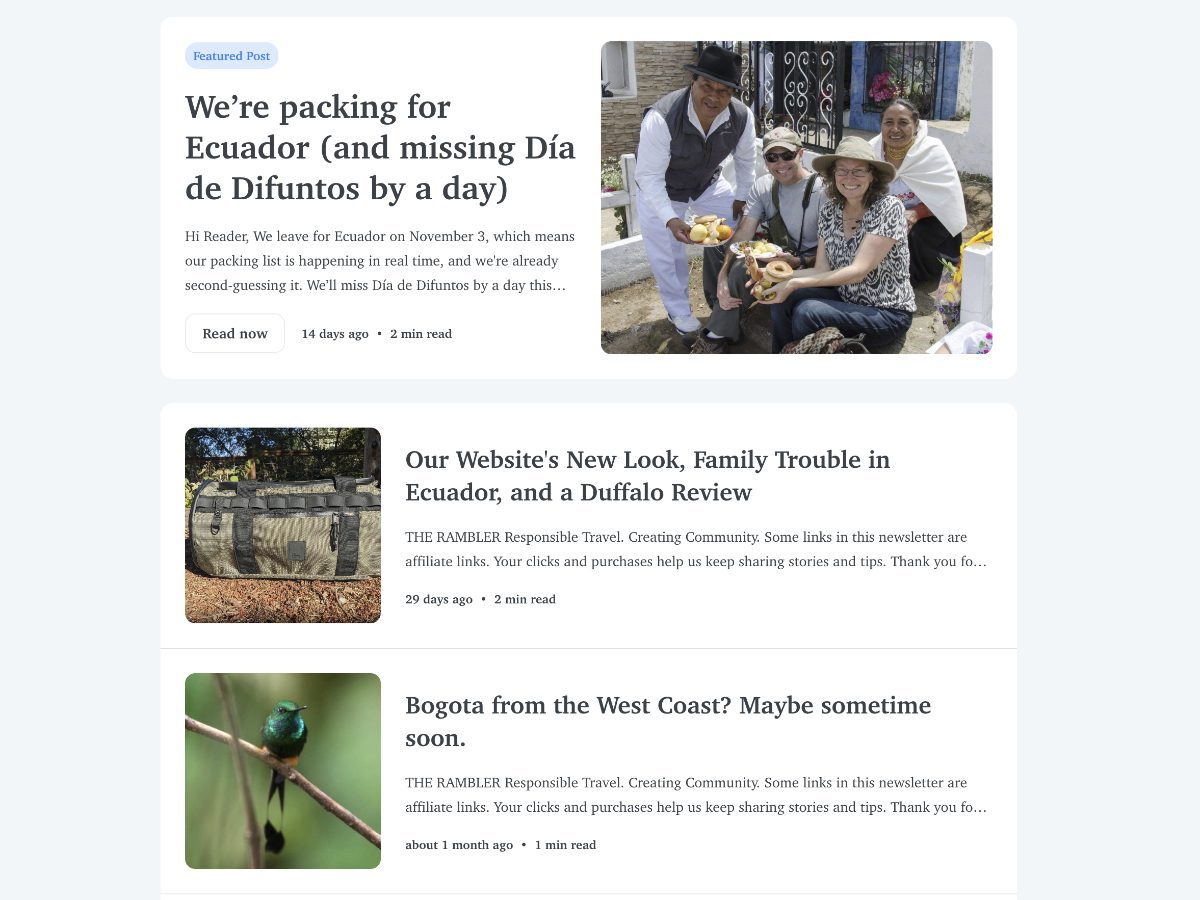
The Kit Newsletters We Send
Our company has two newsletters, each in its own Kit account on the Creator plan.
Not Your Average American is for people who want to travel more thoughtfully. Sign up here.
We also support community tourism projects, family-run lodges, boutique travel agencies, and conservation non-profits with best practices for attracting ethical tourists. Including creating newsletters!
Visit St. Johns PDX is for our neighbors and for anyone curious about our corner of Portland. Sign up here.
We started this newsletter to better advertise all the wonderful things taking place in St. Johns and most of our subscribers actually live in the neighborhood.
Separate accounts keep the audiences and the numbers apart, which has been simpler than I expected.
Why I Ditched Mailchimp
It felt clunky. For a long time, I had dreaded sending out a newsletter because I always seemed to get bogged down in some problem. I was lucky if sent out an email once a month, much less every week. Even as Mailchimp attempted to grow and add new tools, they simply layered more stuff on top of an already bloated platform. I should say it’s been a two years since I logged in, so I can’t speak to what’s changed recently. But I have looked back.
To be fair, Mailchimp does plenty I never used, like social scheduling and retargeting ads. It might be a better choice for businesses selling products that you can touch. If you want one big marketing toolbox, it may be right for you.
My first Kit Send
It was in July 2024, a “we’re back” note after a long newsletter pause. I had learned about Kit while at a conference for travel creators and I got a first time deal. It was a relief to hit send on that first one. It felt like I was coming back home.
That post is still online, because Kit gives every newsletter its own page. We keep a newsletter archive on our site, so each issue has its own link that I can share on LinkedIn and Facebook. An email that used to live only in inboxes now works as a post too.
Starting free with Kit or Mailchimp
Both platforms have a free plan, and they’re quite different.
Kit’s free plan is free for up to 10,000 subscribers. You get one automation and Kit branding on your emails. (Kit’s pricing slider starts at 1,000 subscribers, which can look like a cap. It isn’t one.)
Mailchimp’s free plan is much smaller. It’s capped at 250 contacts (older sources say 500) and 1,000 sends a month, with a daily limit. You get basic templates, Mailchimp branding, and a single-step automation.
If you’re just starting out, Kit gives you far more room to grow before you pay anything.
Why We Use Kit as a Creator: The Automations
This is the biggest reason we pay for Creator on Kit.
The Creator plan gives you unlimited visual automations and sequences. I also love their easy to use tags.
Welcome messages that fit the person. Paid members, sponsor members, and regular subscribers each get a different welcome email, because they joined in different ways and shouldn’t get the same hello. It runs on its own, without my sending anything by hand. If a subscriber becomes a paid member then they get a special thank you instead of a welcome. It was far simpler to set up that Mailchimp, though I will admit to a slight learning curve.
Tags by interest. In the Not Your Average American newsletter, readers are tagged automatically for the places they care about: Peru, Ecuador, and Oregon. Click a link about Ecuador and Kit notes tags that person Interest: Ecuador. I’m not guessing what you want. You tell me by what you read, and I can send more of what’s useful to you. This has become especially helpful for understanding interests in future travel. When folks click on a potential trip, I know that I can follow up a week or so later to see what sparked that click in the first place.
For what it’s worth, multi-step automations like a welcome series are available but need Mailchimp’s paid Standard plan. On Kit’s free plan you get one automation, so for this kind of setup, Creator is where it opens up.
I Love the Easy-to-Read Click Data
I can see what readers clicked and what they skipped. That tells me what people care about. It also means if I am running a partner’s post, like a tour for sale, that I can give real numbers to the sponsor. We sent out the email and you got 20 clicks to your website. This has been really helpful on our St. Johns page where we give an events calendar each week with links for more info. I am gathering that data to feed back to local businesses so they can understand what our neighborhood audience is looking at. Kit also has engagement scoring on its Pro plan. I’m not there yet, and Creator gives me plenty to learn from.
Getting paid for the emails I’m already sending
A few things in Kit surprised me, in a good way.
Sponsors. I can choose a sponsor I think fits my audience, and I can pick text-only, which is my preference. In October, one sponsor offered $3.06 per click. That newsletter went out to only 325 people, and five of them clicked, so I made $15.30. It isn’t life-changing, but those five clicks felt wonderful. I’d used the same sponsor for four emails in a row, and the clicks grew each time.
Paid recommendations. Through the Creator Network, we can recommend ethical, responsible travel brands to our NYAA readers and local Portland businesses to our Visit St. Johns PDX readers. We might be paid when someone subscribes through a recommendation, depending on the newsletter. We only recommend newsletters we’d send our own friends.
A tip jar. While we are not using this, it’s nice for most creators to have a way to ask for that cup of coffee to help keep their writing in high gear (it’s a little adrenaline rush to see support coming in!).
PDFs. Setting up free downloads like a Travel Advisories for Andean Nations in our article on Safe Travel in South America is a snap. Inserting it into a post is easy too.
Paid Downloads. Alternatively, you can offer a paid version of a PDF, perhaps an itinerary that includes a place you’ve written about or guide to your neighborhood. On Not Your Average American we have two on offer:
And Then I Discovered HTML Templates
I built reusable HTML templates so both newsletters use our branding and appear the same each and every time. If coding makes you nervous, you can always ask an AI tool to write the basic HTML. Describe what you want, give it your branding guidelines, and it’ll get you started.
The Cost
Kit’s Creator plan starts at $39 a month for 1,000 subscribers. Mailchimp’s entry price is lower, with Essentials around $13 and Standard around $20 at 500 contacts, so for a very small list Mailchimp can be cheaper.
What I like about Kit’s pricing is that it’s simple. Your subscriber count sets the price, and you can send as many emails as you like. Mailchimp bases price on contacts and also caps monthly sends, and it puts multi-step automations on a higher plan.
Kit has a 14-day free trial on paid plans, a 30-day money-back guarantee, and free list migration for paid plans if you’re coming from another platform.
Someday I’d love to earn enough through Kit to upgrade to Creator Pro for the deeper engagement data. For now, Creator is plenty.
Why this matters beyond newsletters
I’ve come to think that most of us running a business are creators now. We write, we post, we send emails that bring people back to our sites. That’s true for us, and it’s true for a lodge like Mashpi Amagusa (they use Kit on their homepage towards to footer) and a growing tourism project like Cabañas Tamiaju (also on their homepage towards the footer). We think many of our other clients would benefit from the switch as well.
Kit was built with creators in mind, but I think it fits any small business that wants to share what it knows with people who care.
I’m Happy Where I Landed with Kit
I used to put off sending newsletters, and now I look forward to it. I’d rather use a tool I like than one with a longer feature list.
If you’re curious, try Kit here. And to see how we use it, sign up for Not Your Average American and Visit St. Johns PDX.
I’d love to hear what you’re using right now for your newsletters and what you like about it. Just drop a comment below!



Deja una respuesta